Inspect metadata and what is hidden inside the file.

New in 4.0 · iPhone, iPad & Mac

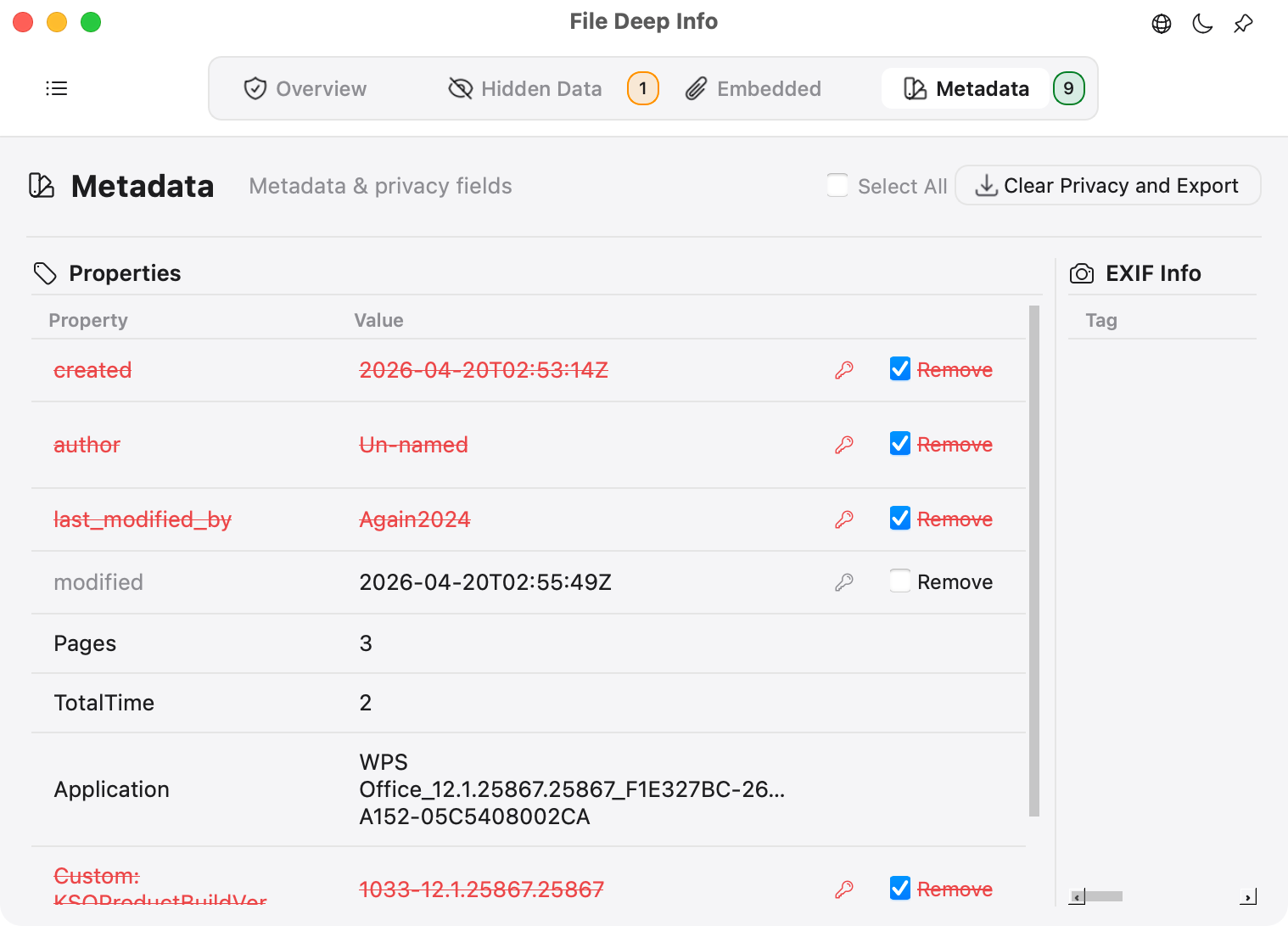
Metadata audit & clean-copy export

Review personal and editing information before you share a file.

  • Modern and Legacy Office (DOCX/XLSX/PPTX and DOC/XLS/PPT) plus PDF: author, company, title, creation and modification time, last saved by, and custom properties.
  • Images: EXIF/TIFF, GPS, capture time, device and camera details, plus PNG text metadata such as author and description.
  • Distinguish privacy-sensitive fields from removable technical metadata. Remove supported fields, save a new copy, and recheck the result.
  • On macOS, review file sources, Finder comments, and system metadata; click document properties to open their details.
Metadata audit & clean-copy export

Reveal hidden text & concealed AI prompts

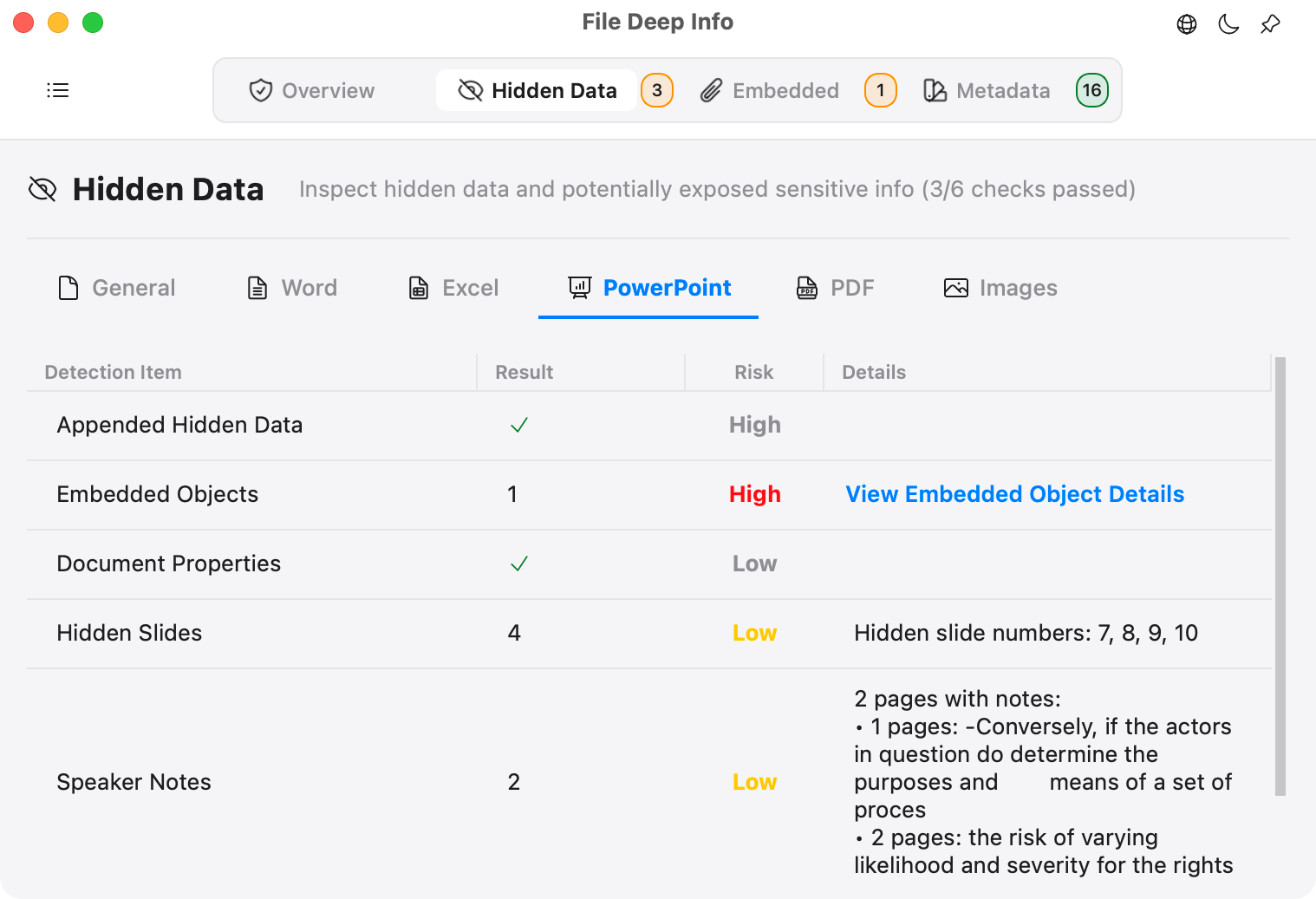
Review content that may be invisible when reading a document, including concealed instructions before using it in an AI workflow.

  • Word, Excel, and PowerPoint: hidden and background-matching text, including concealed AI prompts; hidden sheets, rows, columns, slides, notes, comments, and master content.
  • PDF: transparent, zero-size, and background-matching text, hidden layers, attachments, annotations, scripts, and fake-redaction clues.
  • Files: appended data, merged-file traces, and image steganography indicators.
  • On Mac, inspect hidden Excel rows, columns, background-matching text, and hidden cell formatting, with formulas and cell locations in the details.
  • On Mac, click column headers to sort findings by check name, detection count, or risk level.
Reveal hidden text & concealed AI prompts

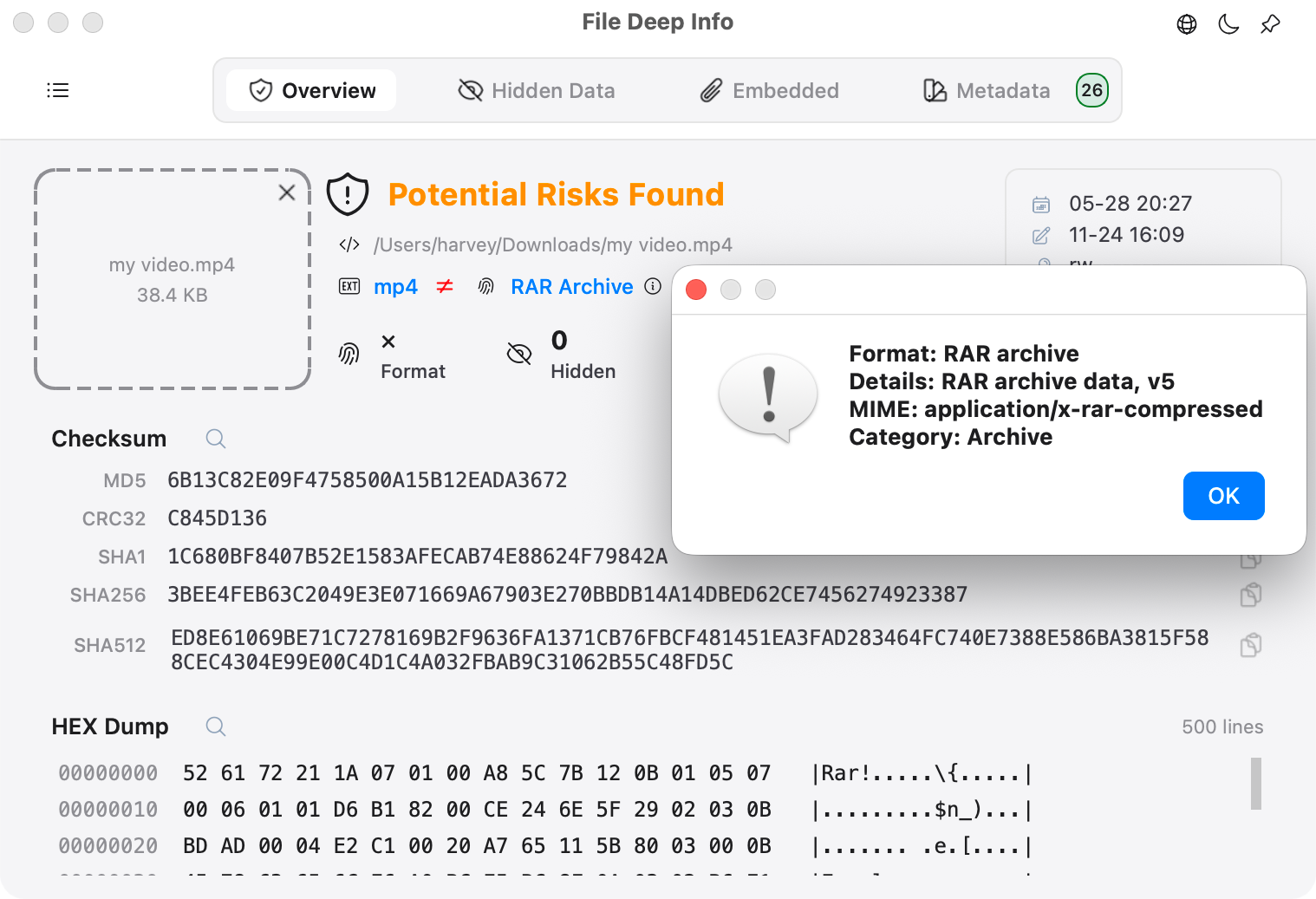
Verify the actual file format

Compare the filename extension with the file’s internal structure.

  • Combine MIME, Magic Number, and binary signature analysis.
  • Flag extension mismatches and disguised files, with recognition for more app packages and developer archives.
  • Show header bytes, format match status, and basic structure information.
Verify the actual file format

Extract attachments, embedded objects & nested files

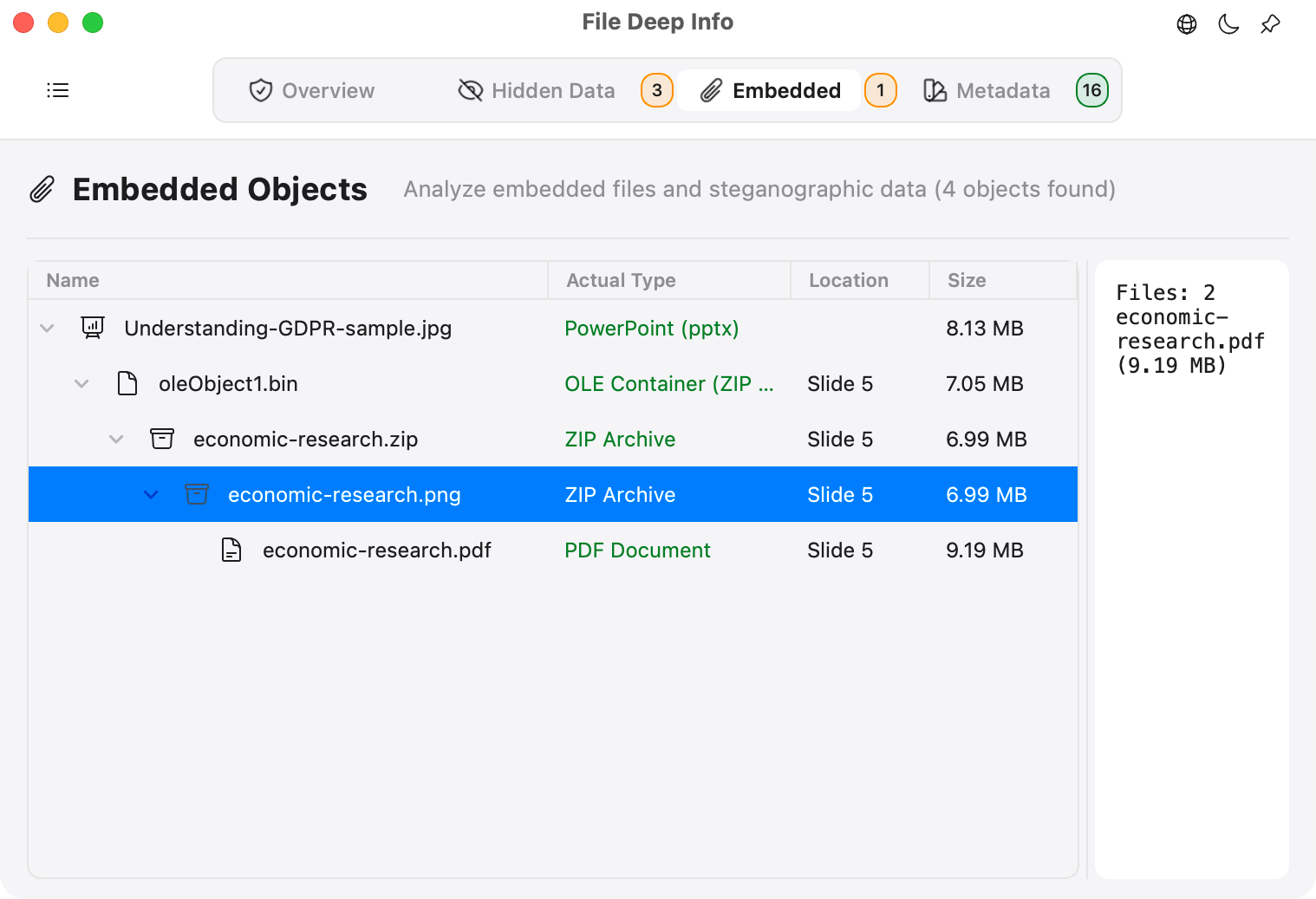
Inspect, preview, and export files stored inside documents and multi-level containers.

  • Export Office OLE embedded objects, PDF attachments, and iWork internal resources.
  • Follow nested archives level by level, identify embedded executables, and preview or export modern and legacy Excel objects.
  • Detect and recover readable data appended after the normal end of a file.
Extract attachments, embedded objects & nested files

Calculate hashes and inspect Hex

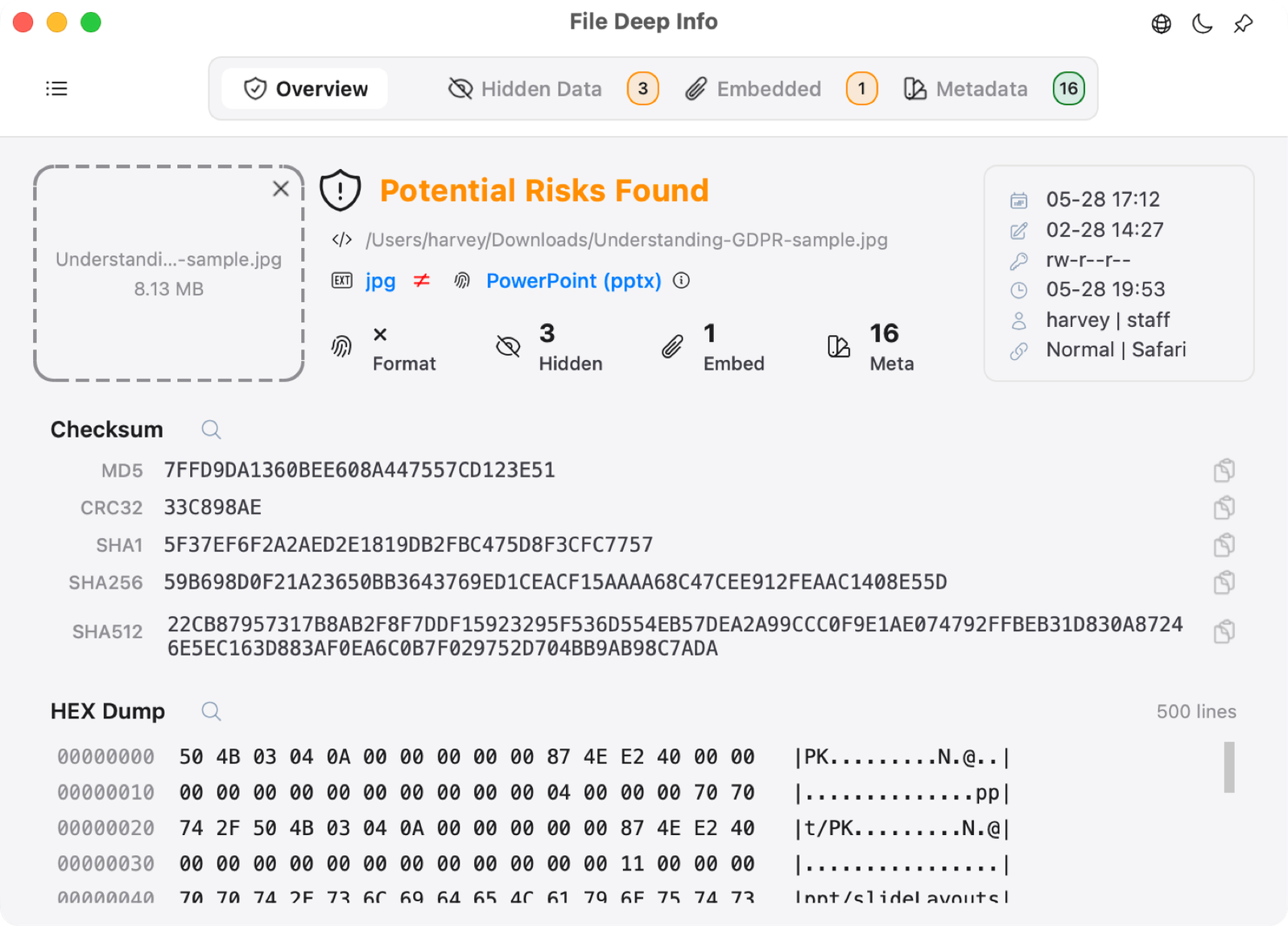
Calculate checksums and view the file header without switching tools.

  • Calculate MD5, SHA1, SHA256, SHA512, and CRC32 together.
  • Compare hashes for integrity and consistency checks.
  • Preview the file header and basic binary structure in Hex.
Calculate hashes and inspect Hex

Which formats support privacy cleanup?

Privacy cleanup currently supports modern Office files (DOCX, XLSX, PPTX), Legacy Office files (DOC, XLS, PPT), PDF, and common images including JPG/JPEG, PNG, GIF, and HEIC. File Deep Info can inspect many additional formats. Available cleanup options are shown after you open a file.

Download File Deep Info

One Pro purchase for iPhone, iPad and Mac.